
In the world of digital streaming, few file formats have had as much influence as the M3U link. If you’ve ever used IPTV, online radio, or playlist-based music software, you’ve likely encountered an M3U file or link without realizing it. The M3U format acts as a roadmap that tells your media player where to find the audio or video files you want to play, whether they’re stored locally on your device or streamed from the internet.
The term M3U stands for “MP3 URL” because it was originally designed for audio playlists. Over time, it evolved into a universal format for multimedia playlists, capable of handling not only MP3 music but also video files, live streams, and radio broadcasts.
How an M3U Link Works
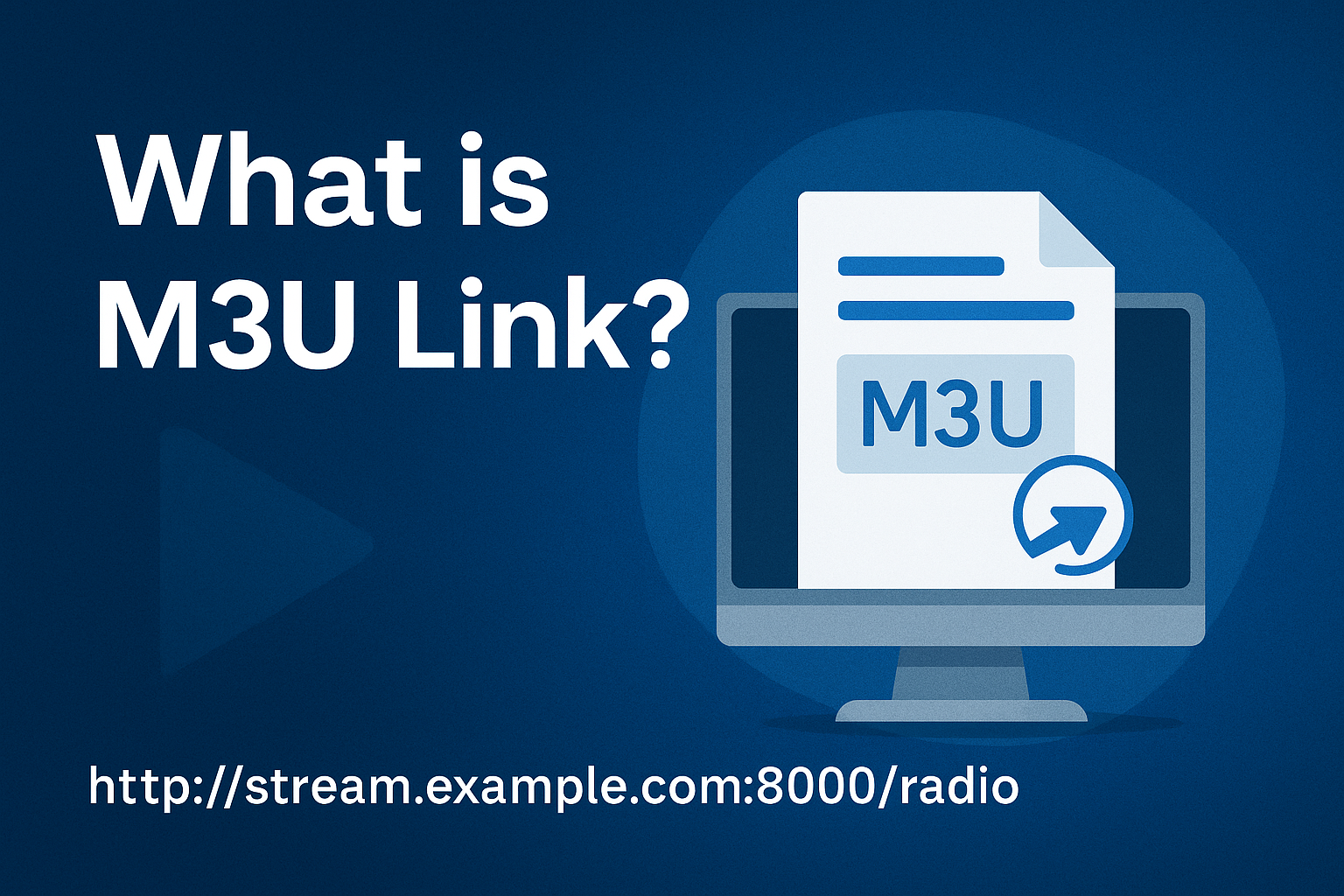
An M3U link is not a media file itself. Instead, it’s a plain text file (or URL) containing a list of file locations and sometimes additional information such as titles, durations, and channel names. When you open an M3U link in a compatible player, the player reads these instructions and streams or plays the files accordingly. BUY Rapid IPTV Subscription
For example:
bashCopyEdit#EXTM3U
#EXTINF:-1,Sample Radio Station
http://stream.example.com:8000/radio
#EXTINF:-1,Sample TV Channel
http://stream.example.com:8000/live/tvchannel
In this example, each entry begins with #EXTINF (extra info) that provides a label, followed by the actual URL to the media source.
Key Uses of M3U Links
M3U links have broad applications, including:
- IPTV Streaming – M3U links are often used by IPTV providers to deliver live TV channels, movies, and on-demand content.
- Internet Radio – Many online radio stations provide M3U links to make it easy to tune in using various media players.
- Personal Playlists – Users can create custom M3U playlists for music or video collections stored locally.
- Video on Demand (VOD) – Services can list multiple movies or shows in a single M3U playlist for easy access.
Common Media Players that Support M3U
M3U is widely supported by both hardware devices and software applications, such as:
- VLC Media Player
- Kodi
- Winamp
- Windows Media Player
- GOM Player
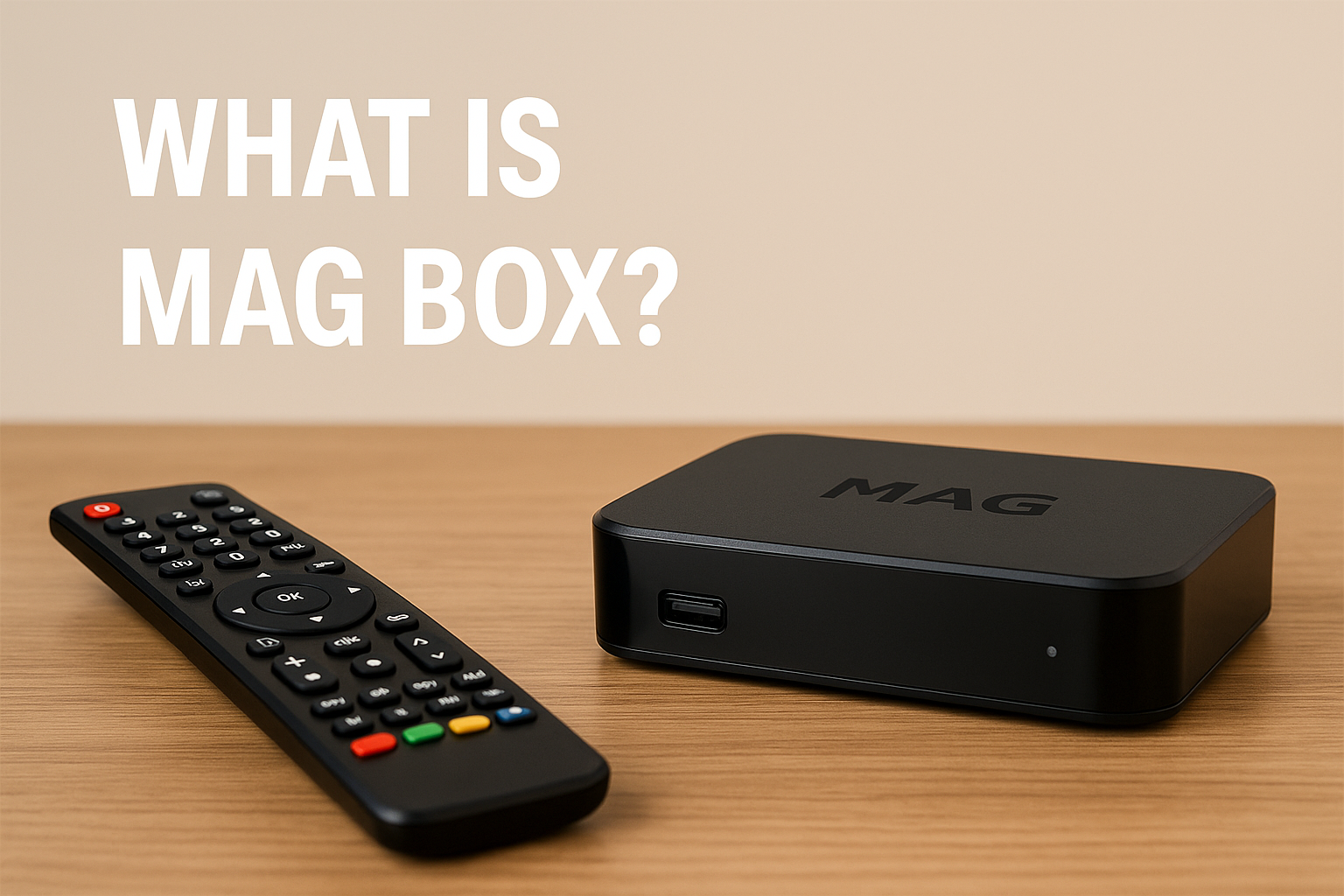
- MAG Box IPTV devices
- Smart TVs and set-top boxes with IPTV apps
Advantages of Using M3U Links
- Versatility – Works with both local and online content.
- Portability – A small text file can hold links to large amounts of media without taking up much storage space.
- Ease of Editing – Since it’s a text format, you can open and modify it with any basic text editor.
- Cross-Platform Compatibility – Supported by most major media players and devices.
- Playlist Organization – Allows easy grouping of related content in a single file.
Limitations and Considerations
While M3U links are incredibly useful, there are some limitations:
- They Don’t Store Content – Without access to the linked files or streams, the playlist won’t work.
- Dependency on Internet – Online M3U links require a stable internet connection.
- Quality Depends on the Source – If the stream source is low quality, the playback will reflect that.
- Legality – Using M3U links to access unlicensed or pirated content is illegal in many countries.
M3U vs. M3U8
You may also come across the term M3U8. This is a variation of M3U that uses UTF-8 character encoding, making it better for handling international text, such as channel names in different languages. Functionally, M3U8 works the same way as M3U but offers broader compatibility for global playlists.
How to Use an M3U Link
- Get a Valid M3U Link – From a legitimate IPTV service, radio station, or personal playlist file.
- Choose a Compatible Player – VLC, Kodi, IPTV Smarters, or any supported app.
- Load the Playlist – In the player, open the “Network Stream” or “Playlist” option and paste the M3U link.
- Enjoy the Content – Once loaded, you can browse and play the available media.
FAQs about M3U Link

1. What is an M3U link used for?
An M3U link is used to create and share playlists of audio or video content. It tells a media player where to find the media files, whether they are stored locally on your device or streamed from the internet.
2. Do M3U links contain the actual media files?
No. An M3U link is simply a text-based file that contains URLs or file paths to the media sources. Without access to those sources, the playlist will not work.
3. How do I open an M3U link?
You can open an M3U link using any compatible media player such as VLC, Kodi, IPTV Smarters, or Winamp. In most players, you paste the M3U URL into the “Open Network Stream” or “Playlist” option.
4. What is the difference between M3U and M3U8?
M3U8 is a variation of M3U that uses UTF-8 encoding, allowing for better compatibility with non-English characters and international playlists. Both formats function the same way in media players.
5. Are M3U links legal to use?
M3U links themselves are not illegal; they are simply playlists. However, using an M3U link to access copyrighted or unlicensed content without permission may violate copyright laws in your country.